Level 6 · Customer Portal
6 min read
Office Staff
Owner
Viewing and Approving Quotes
Viewing and Approving Quotes
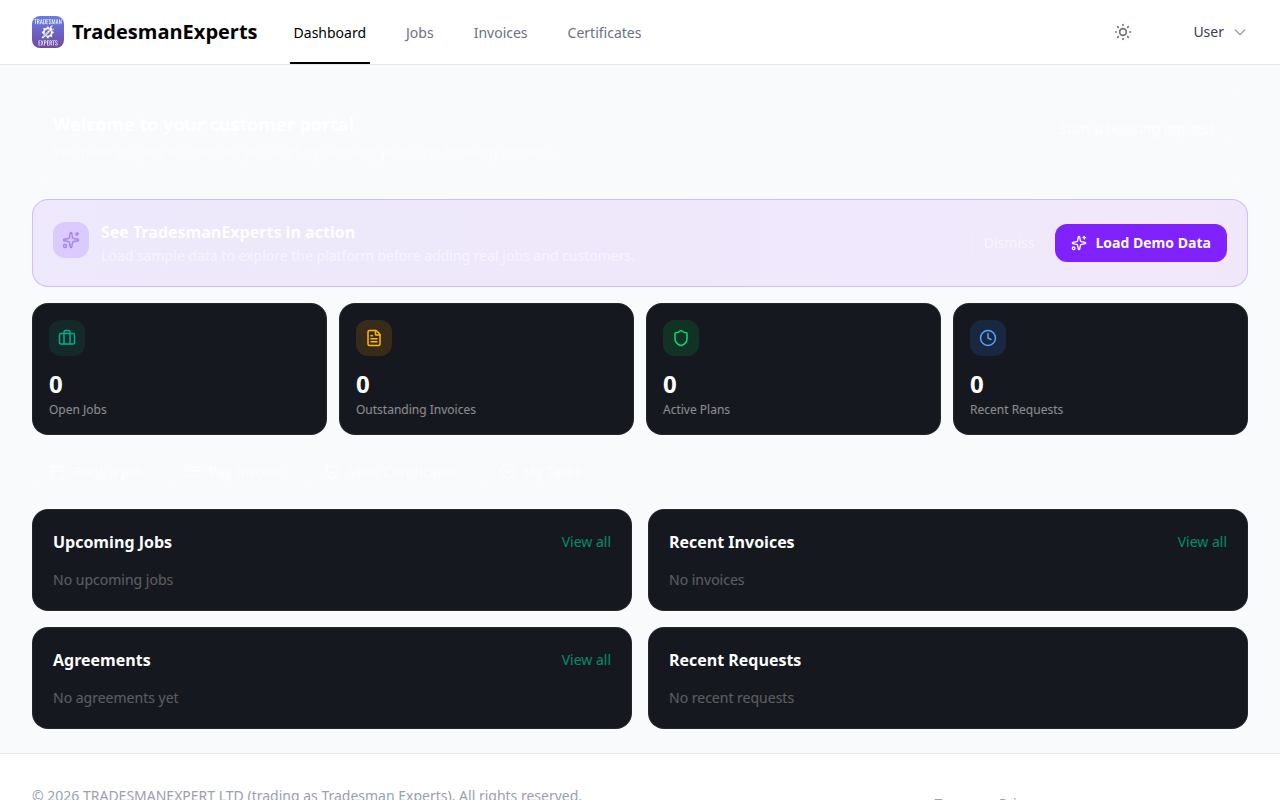
Customers can review and accept quotes directly in the portal — no phone calls or paper required.
When You Send a Quote
- You create a quote in TradePilot
- Click Send Quote
- The customer receives an email notification
- They log in to the portal and view the quote
What Customers See
- Quote number and date
- Itemised list of work and materials
- Total price (inc/exc VAT)
- Expiry date
- Notes from your team
Accepting a Quote
- Customer reviews the quote
- Clicks Accept Quote
- Adds any comments (optional)
- Confirms
You receive an instant notification, and the quote status updates to Accepted. You can then convert it to a job with one click.
Declining a Quote
If the customer wants to decline, they can do so with an optional reason. You'll be notified to follow up.
Lesson complete!
Your progress has been saved.