Level 6 · Customer Portal
7 min read
Office Staff
Owner
Paying Invoices Online
Paying Invoices Online
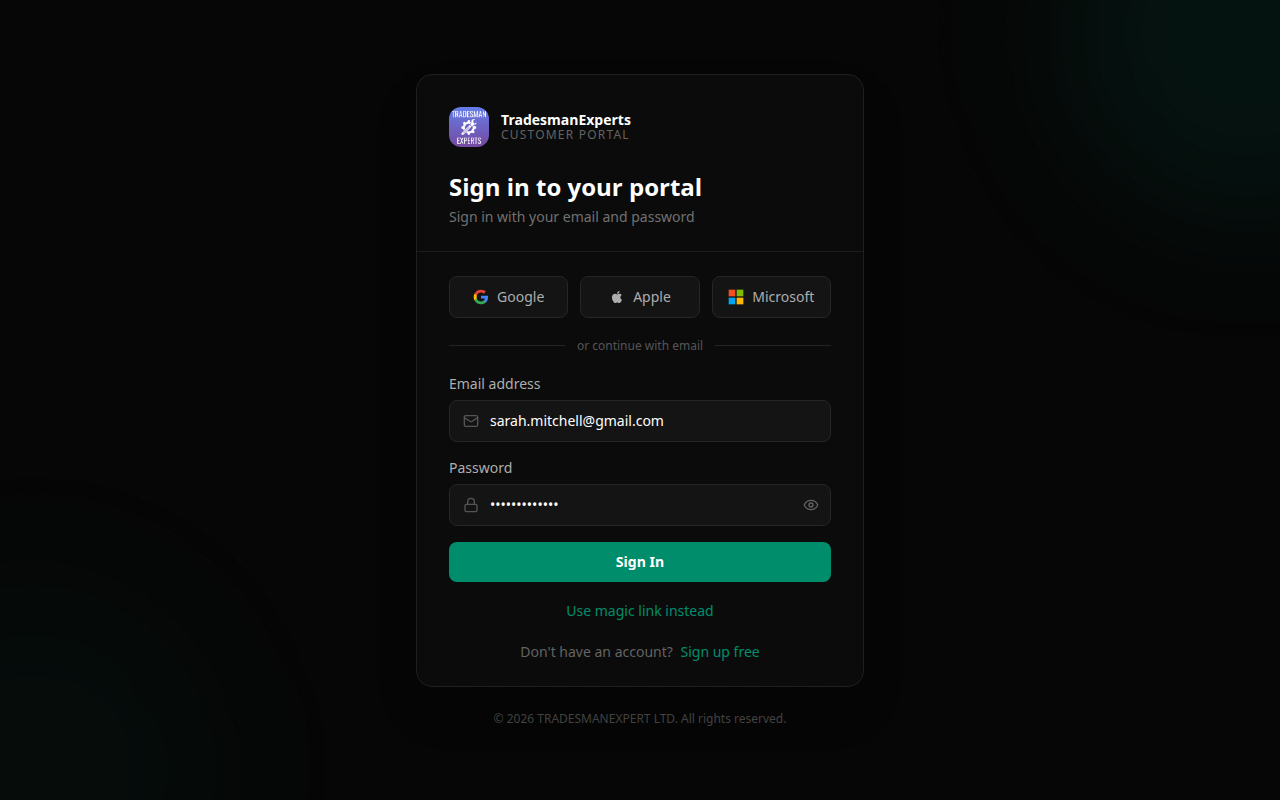
Customers can pay invoices directly in the portal — reducing payment delays and eliminating manual follow-up.
How It Works
- You create and send an invoice from TradePilot
- The customer receives an email with a payment link
- They log in to the portal (or click the direct link)
- They see the invoice and click Pay Now
- They choose their preferred payment method
- Payment is processed instantly
Accepted Payment Methods
Depending on your configured payment processors:
- Card payment (Visa, Mastercard, Amex) via Stripe
- PayPal
- Direct Debit (via GoCardless) — for recurring payments
- Bank transfer — with your account details displayed
Payment History
All payments are recorded in the Payment History section of the portal. Customers can download receipts at any time.
Partial Payments
If you've enabled partial payments, customers can pay a deposit and settle the remaining balance later.
Lesson complete!
Your progress has been saved.