Level 6 · Customer Portal
5 min read
Office Staff
Owner
How Customers Log In
How Customers Log In
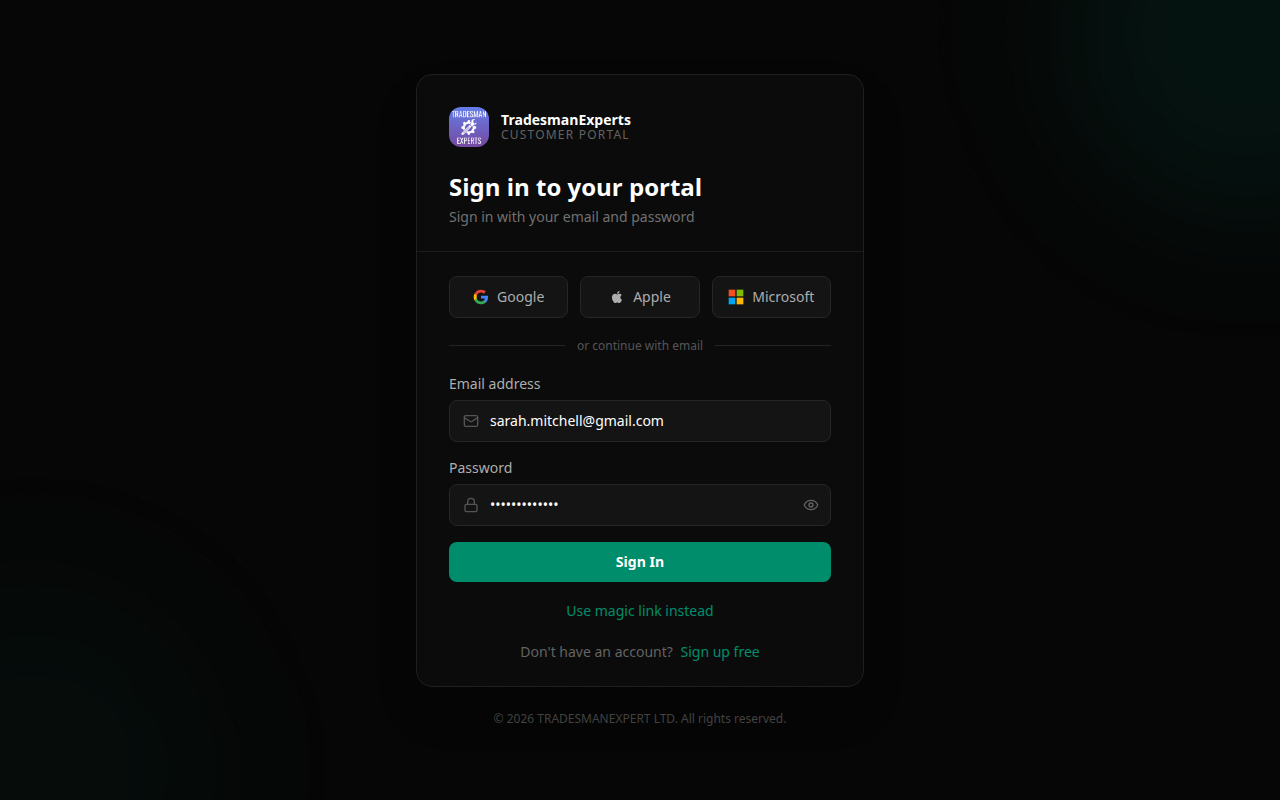
Customers can log in to the portal in two ways:
1. Magic Link (Recommended)
The easiest method — no password needed.
- Customer visits the portal login page
- Enters their email address
- Clicks Send Login Link
- Receives an email with a secure, one-click link
- Clicks the link → instantly logged in
The magic link expires after 15 minutes for security.
2. Password Login
For customers who prefer a password:
- Customer visits the portal login page
- Clicks Login with Password
- Enters email and password
- Clicks Sign In
Customers can set a password from their Profile page inside the portal.
First Time?
When you create a customer in TradePilot, they'll receive a welcome email with their portal link. They don't need to register — their account is created automatically when you add them as a customer.
Lesson complete!
Your progress has been saved.