Level 6 · Customer Portal
5 min read
Office Staff
Owner
Tracking Jobs in the Portal
Tracking Jobs in the Portal
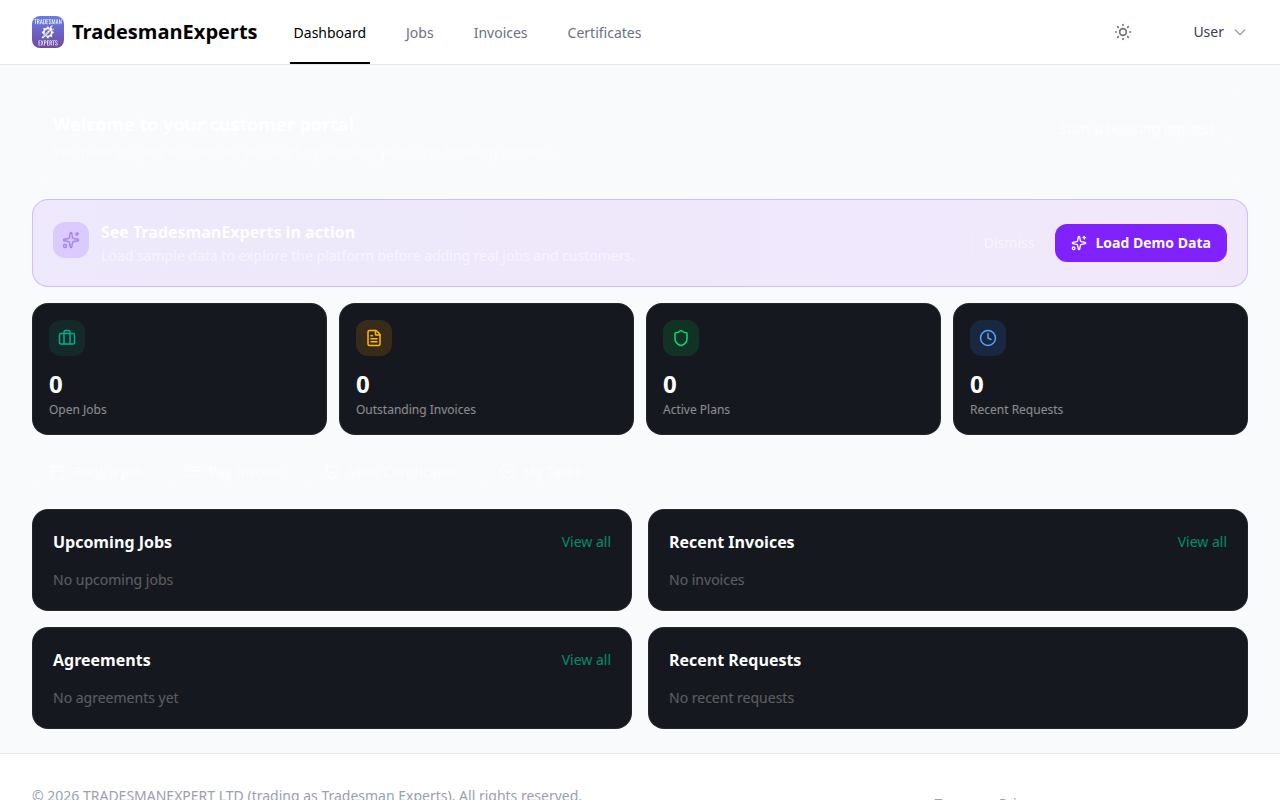
Your customers can see every job you've done for them — past, present, and upcoming.
What Customers Can See
- Job title and description
- Scheduled date and time
- Which engineer is attending
- Current job status (Scheduled / In Progress / Completed)
- Notes added by engineers on-site
- Photos taken during the job
- Completion signature
Real-Time Updates
When your engineer checks in, updates the job status, or completes work, the customer's portal updates automatically. They always have an up-to-date view without needing to call the office.
Job History
All past jobs appear in the Jobs section of the portal. Customers can view the full history of work carried out at their property.
Lesson complete!
Your progress has been saved.