Level 6 · Customer Portal
5 min read
Office Staff
Owner
Raising Support Requests
Raising Support Requests
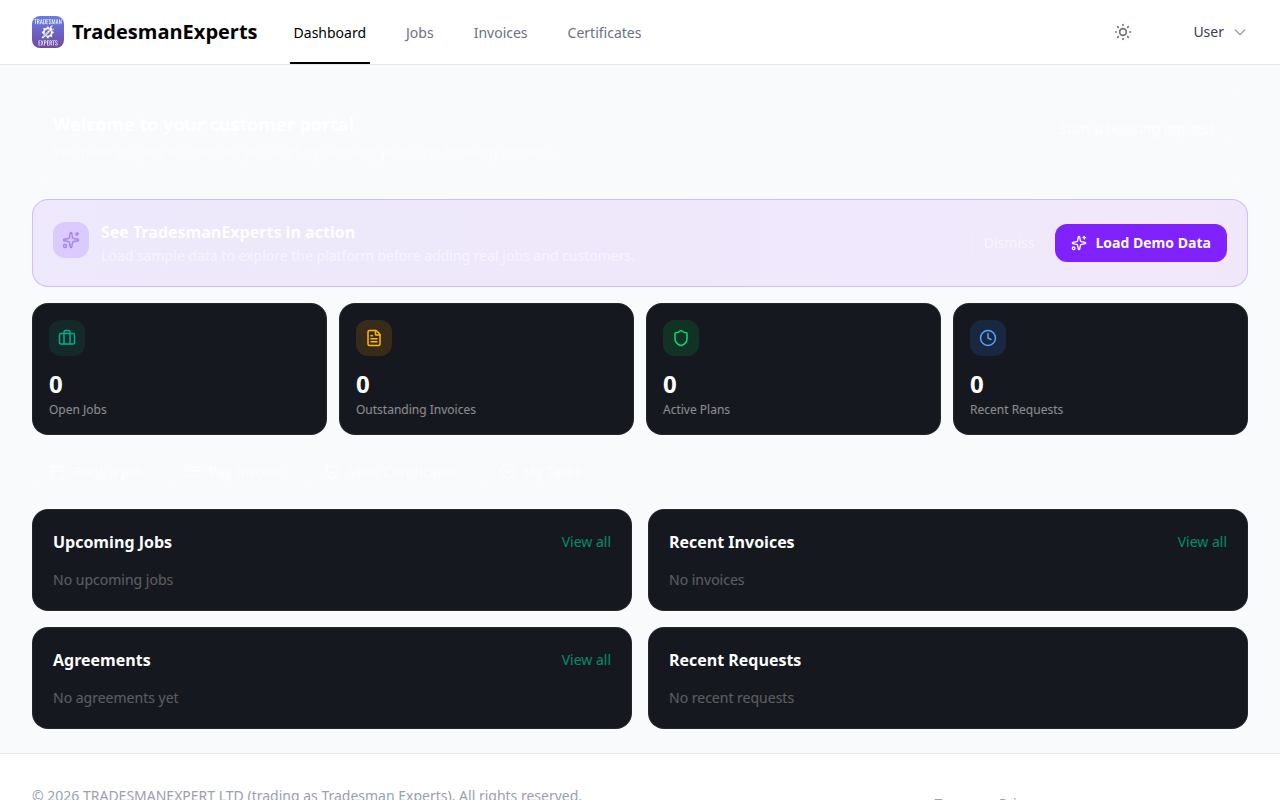
Customers can contact your team directly through the portal — keeping all communication in one place.
How to Raise a Ticket
- Log in to the portal
- Go to Support
- Click New Request
- Select the job it relates to (optional)
- Describe the issue
- Click Submit
Ticket Tracking
Customers can track the status of their support requests:
- Open — Submitted, awaiting response
- In Progress — Your team is working on it
- Resolved — Issue has been addressed
They receive email notifications when your team responds.
For Your Office Team
All portal support tickets appear in Admin > Support Tickets. You can respond, assign to a team member, and close tickets directly from the admin panel.
Lesson complete!
Your progress has been saved.