Level 3 · Office Staff
7 min read
Office Staff
Owner
Managing Customers
Managing Customers
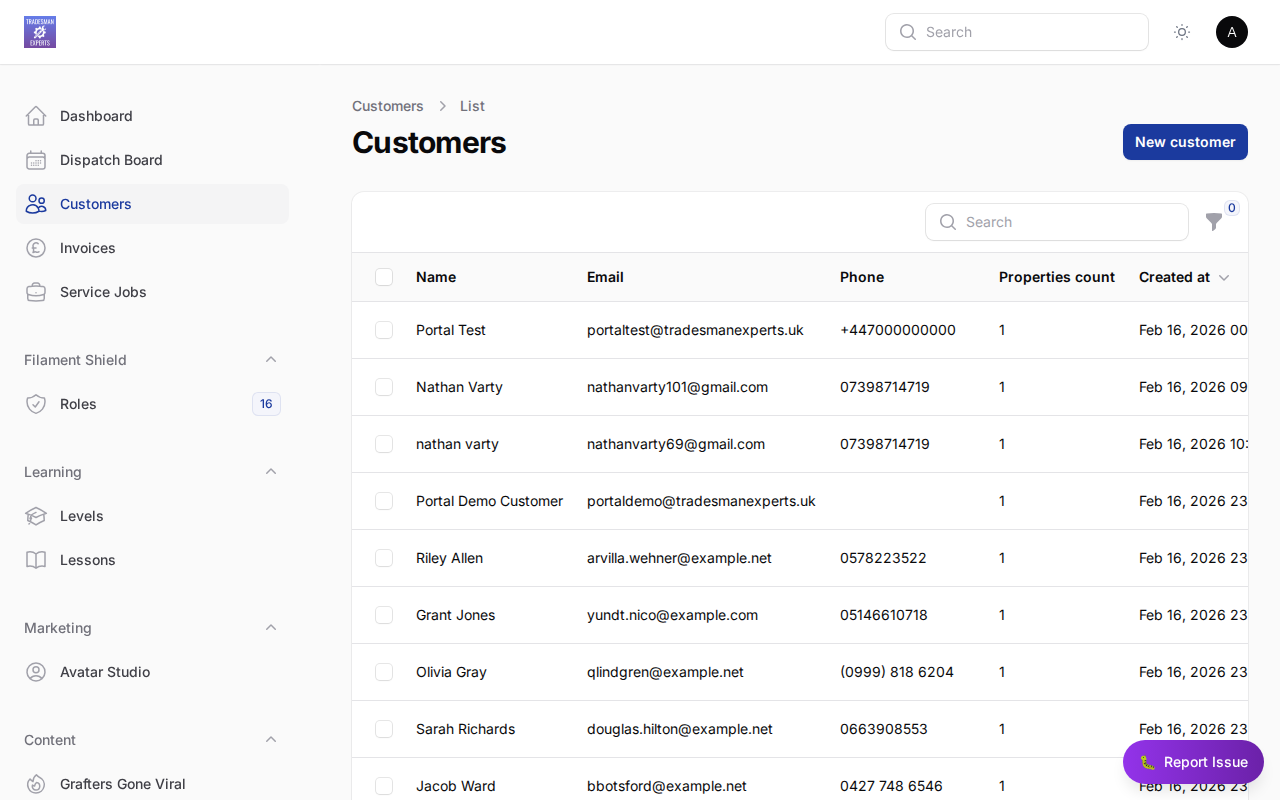
Customer Record
Each customer in TradePilot has:
- Contact details (name, email, phone)
- Multiple properties
- Full job history
- Invoice and payment history
- Notes and documents
Adding a Customer
- Go to Customers in the menu
- Click + New Customer
- Enter their details
- Add properties
- Save
Customer Portal
Customers can log in to their self-service portal to view invoices, track jobs, and make payments — reducing inbound calls.
Lesson complete!
Your progress has been saved.