Level 1 · Getting Started
5 min read
All
Understanding the Job Workflow
Understanding the Job Workflow
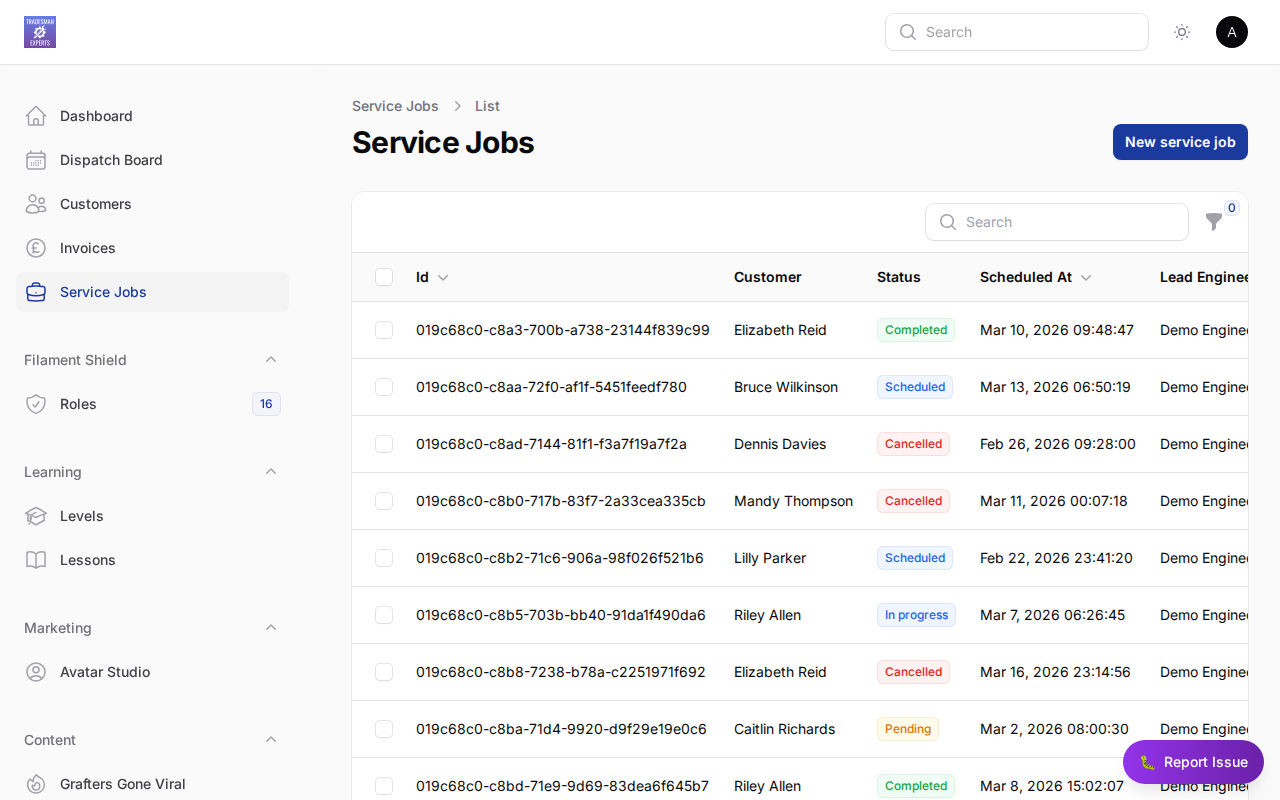
Every job in TradePilot follows a clear lifecycle:
Job States
- Draft — Job created, not yet scheduled
- Scheduled — Assigned to an engineer with a date/time
- In Progress — Engineer has started work on-site
- Completed — Work finished, ready to invoice
- Invoiced — Invoice sent to customer
- Paid — Payment received
Key Tip
You can track exactly where every job is at a glance from the Jobs dashboard.
Lesson complete!
Your progress has been saved.