Level 1 · Getting Started
8 min read
Office Staff
Owner
Creating Invoices
Creating Invoices
After a Job is Completed
- Open the completed job
- Click Create Invoice
- Review the auto-populated line items
- Add any additional parts or labour
- Apply VAT if required
- Click Send to Customer
Payment Methods
Customers can pay via:
- Online payment link (Stripe / PayPal)
- Card on-site via SumUp terminal
- Direct Debit via GoCardless
Tracking Payments
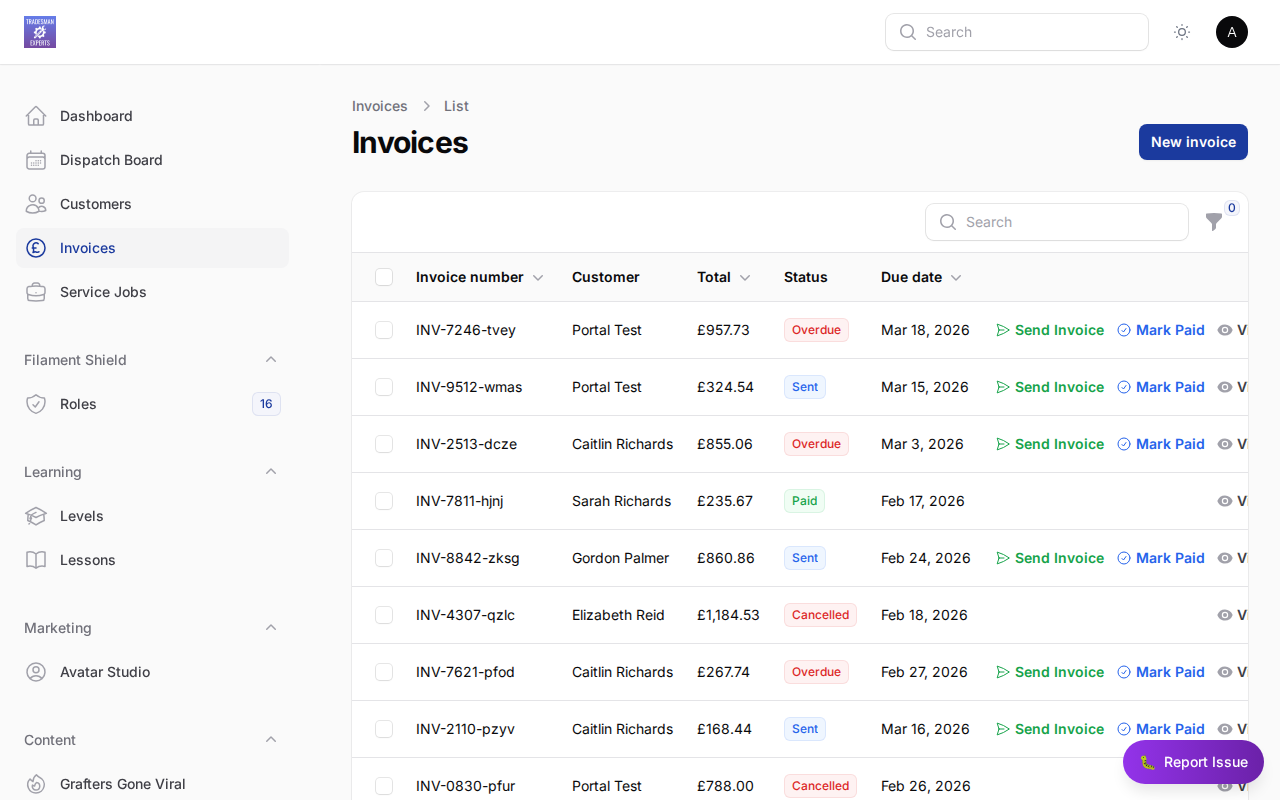
All outstanding and paid invoices appear in the Billing section.
Lesson complete!
Your progress has been saved.