Level 1 · Getting Started
7 min read
Office Staff
Owner
Creating Your First Job
Creating Your First Job
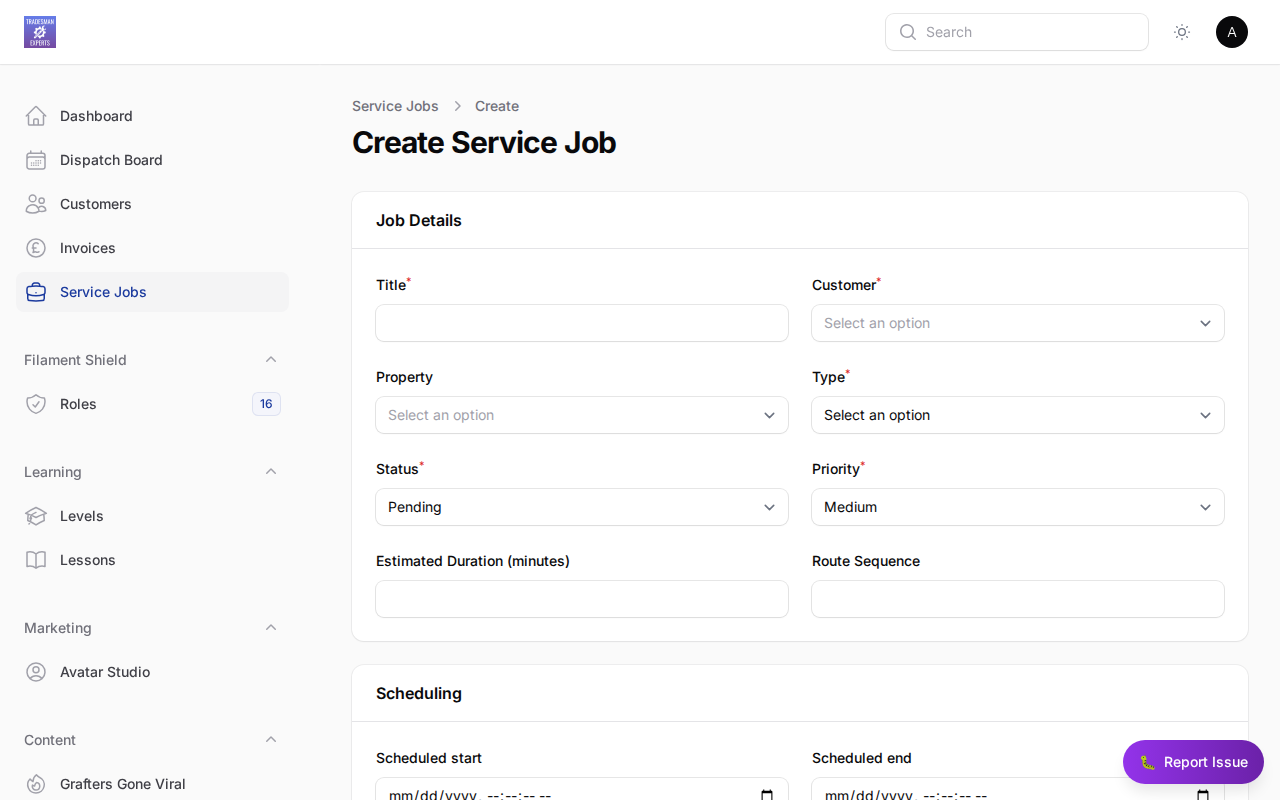
Steps
- Navigate to Jobs in the main menu
- Click + New Job
- Fill in the customer details or select an existing customer
- Add a property address
- Enter the job description
- Set a priority (Low / Normal / High / Urgent)
- Click Save
What happens next?
Your job will appear as Draft until you schedule it. Head to the Scheduling section to assign an engineer.
Lesson complete!
Your progress has been saved.