Level 1 · Getting Started
6 min read
Office Staff
Owner
Assigning Jobs to Engineers
Assigning Jobs to Engineers
From the Jobs List
- Open a job in Draft or Scheduled state
- Click Assign Engineer
- Select an available engineer from the list
- Set the Scheduled Date & Time
- Save
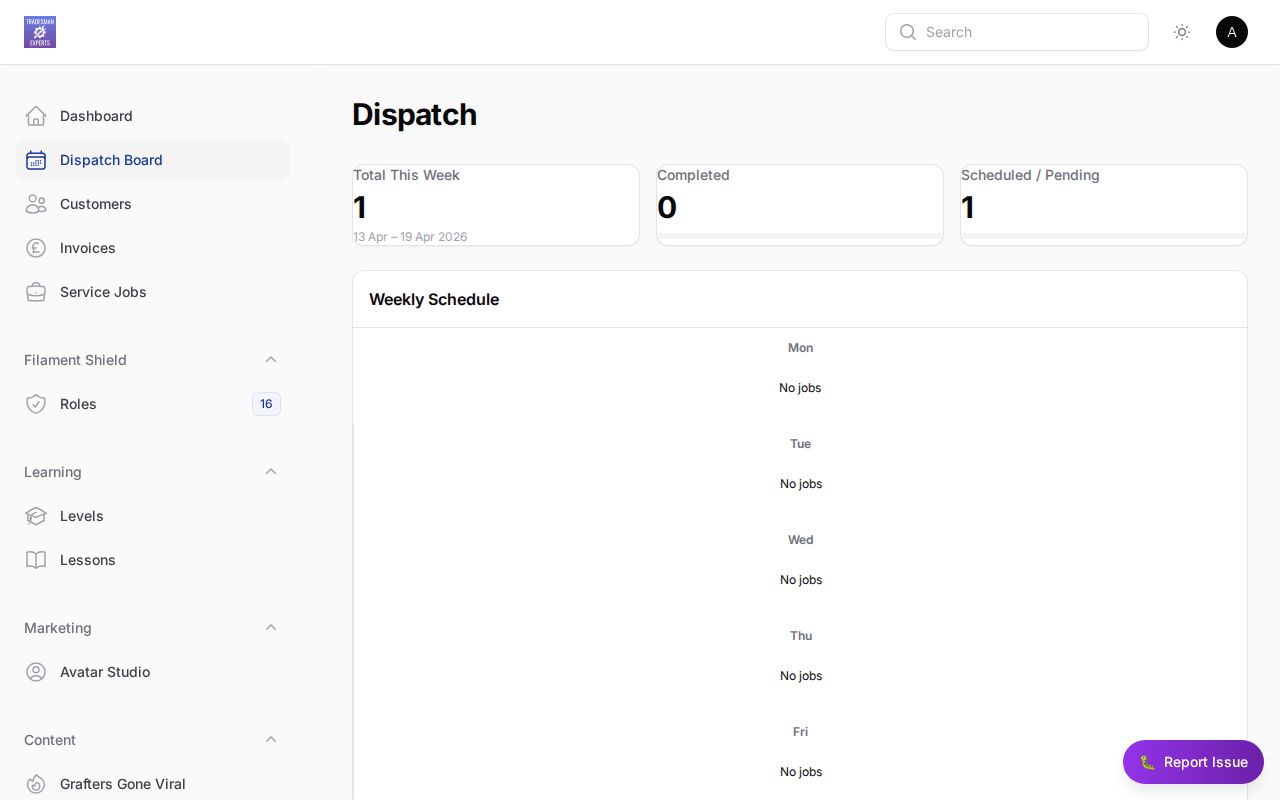
From the Dispatch Board
The Dispatch Board gives you a calendar view of all engineers. Drag and drop jobs onto engineer slots to quickly schedule work.
Mobile Notification
Once assigned, the engineer receives a push notification on their mobile app.
Lesson complete!
Your progress has been saved.